
Pro, your devices and restore codes
There are no accounts here. Your device is your account, and a restore code is how you take Pro with you to another device.
The plans
- Week Pass: seven days of Pro for one trip. One payment that never renews. A second pass adds seven days to whatever is left.
- Annual: a year of Pro that renews each year until you cancel.
- Lifetime: pay once, Pro for good.
Current prices are on the pricing page, in your currency.
How many devices
| Plan | Devices |
|---|---|
| Week Pass | 2 |
| Annual | 3 at a time. A device you haven't opened for 60 days stops counting. |
| Lifetime | 3 |
On iPhone, the installed app and Safari count as two devices. Install the app first, then buy or restore inside it.
Your restore code
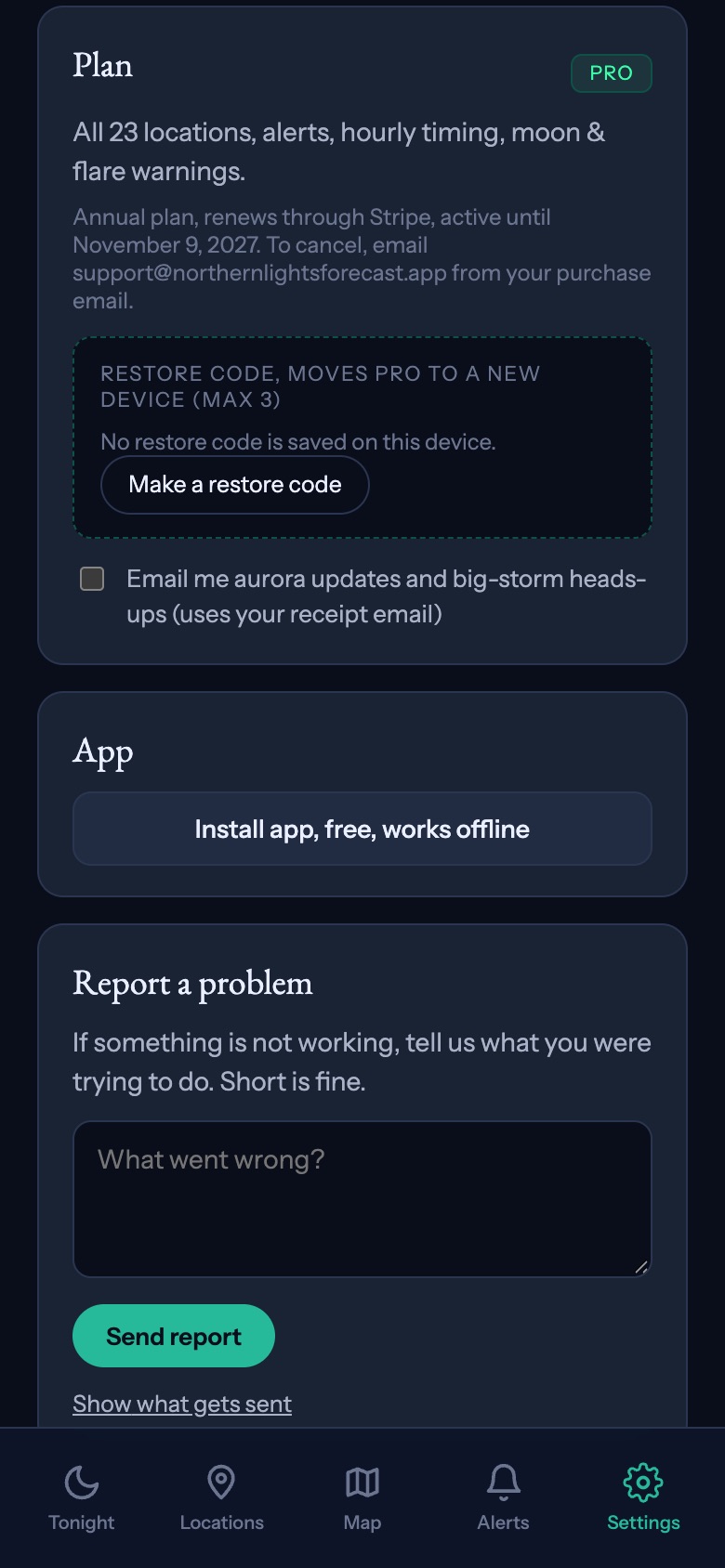
After you buy, you get a restore code that starts with NLF. It is shown on screen and sent to your purchase email, and you can find it any time in Settings under Plan.
To use Pro on another device, open Settings there, tap Have a restore or access code? Enter it here, and enter your code. If you reinstall the app on the same device, restoring brings Pro back without using up a device.
You can make a new restore code in Settings. The old one stops working, and devices that already have Pro keep it.
Access codes
Codes that start with AUR are access codes, given out by guides and partners. They unlock Pro on your device for the length of time the code allows. Enter them in the same place in Settings, or at the redeem page.
When Pro ends
Two days before a plan that doesn't renew runs out, you get a reminder. When it ends, Pro features switch off and the free forecast keeps working as before. Your alert settings are kept: alerts go back to the free version, one place with a Kp alert, and your full settings return if you get Pro again.