
Aurora alerts: how they work and how to set them up
Alerts tell you when it is worth going outside, so you don't have to keep checking. We check every 15 minutes while it is dark where you are watching, and an alert arrives at any hour of the night.
Turn on notifications first
Open the Alerts tab and tap Enable notifications, then allow them when your phone asks. Tap Send me a test alert to check that everything works. You should see a notification saying your alerts are working.
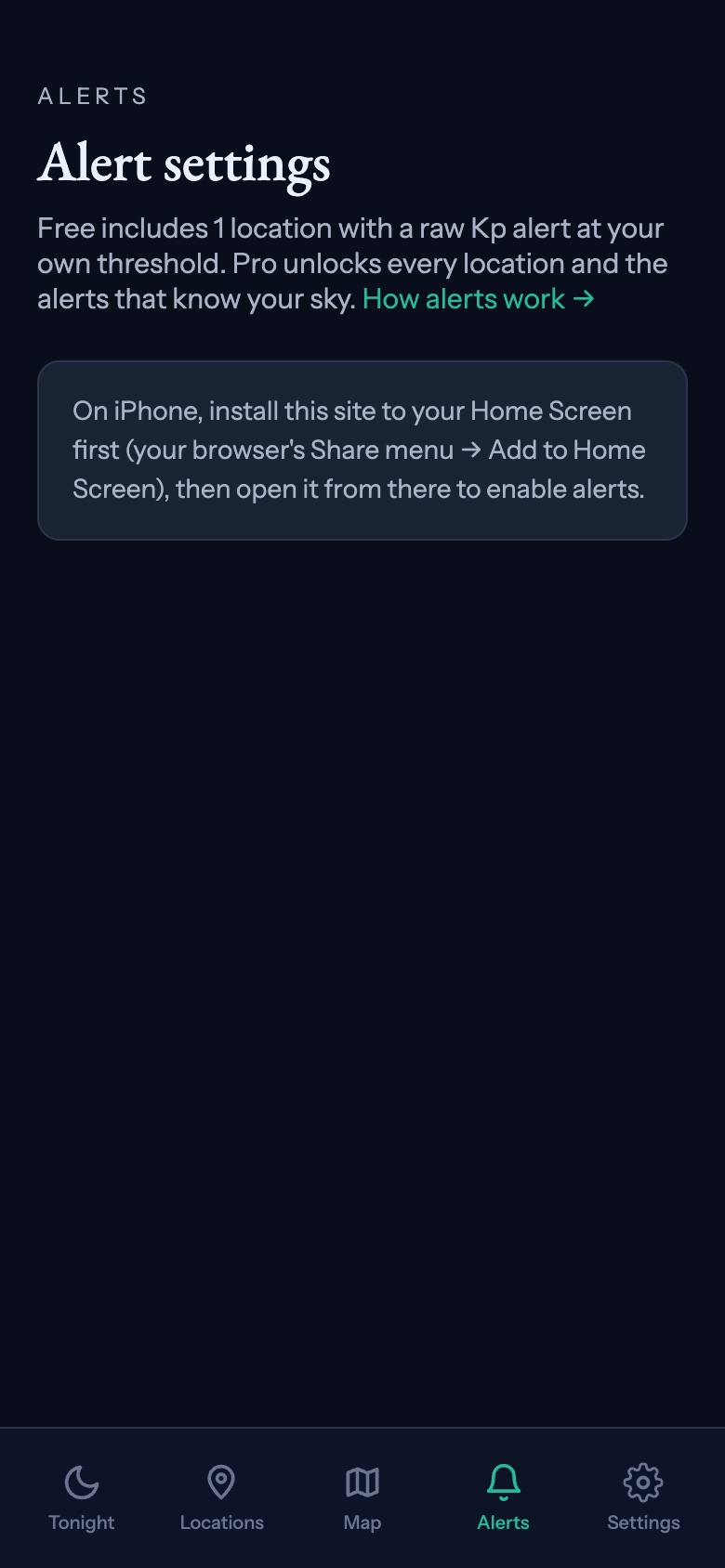
On iPhone, install the app first. iPhone only allows notifications from an app on your Home Screen, so the Alerts tab asks you to add it there before anything else. See how to install the app.
Free: one place, one Kp alert
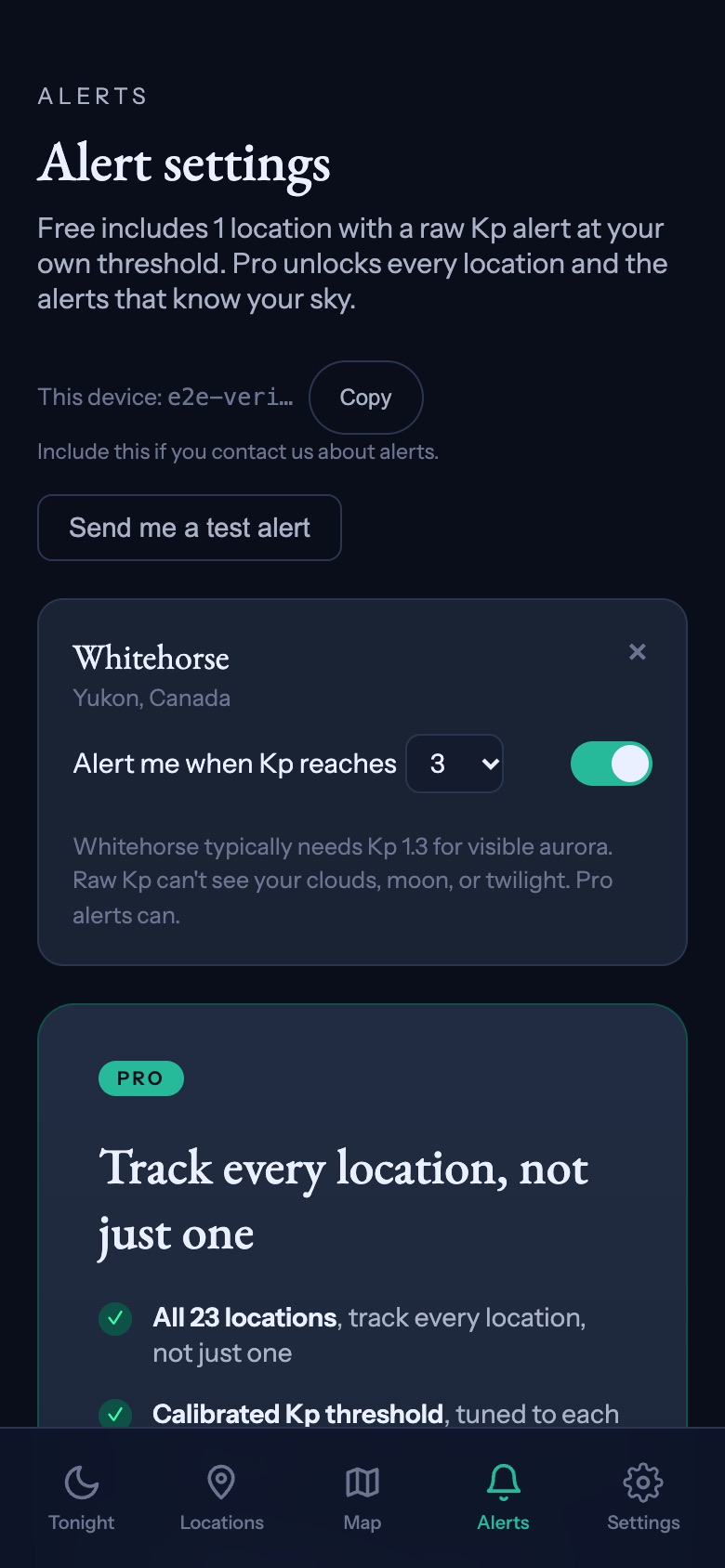
Free alerts watch one place: one of our destinations or your own saved spot. You choose a Kp level from 1 to 9, and you get a notification when Kp reaches it. The screen shows the Kp that place typically needs, so set yours close to that. The starting level of 4 is high for places in the far north: Whitehorse needs about 1.3.
A Kp alert only knows how active the sun is. It can't see your cloud, the moon or twilight, so it can fire on a night you can't see anything.
Pro: alerts that know your sky
With Pro you can watch every location. Each one starts with a single switch, Alert me on good nights here. It sends a notification when tonight's chance at that place passes 55%, the same number you see on the Tonight screen, with cloud, darkness and the moon already counted.
Tap Customize to fine-tune it, or to add any of these:
| Alert | When it fires |
|---|---|
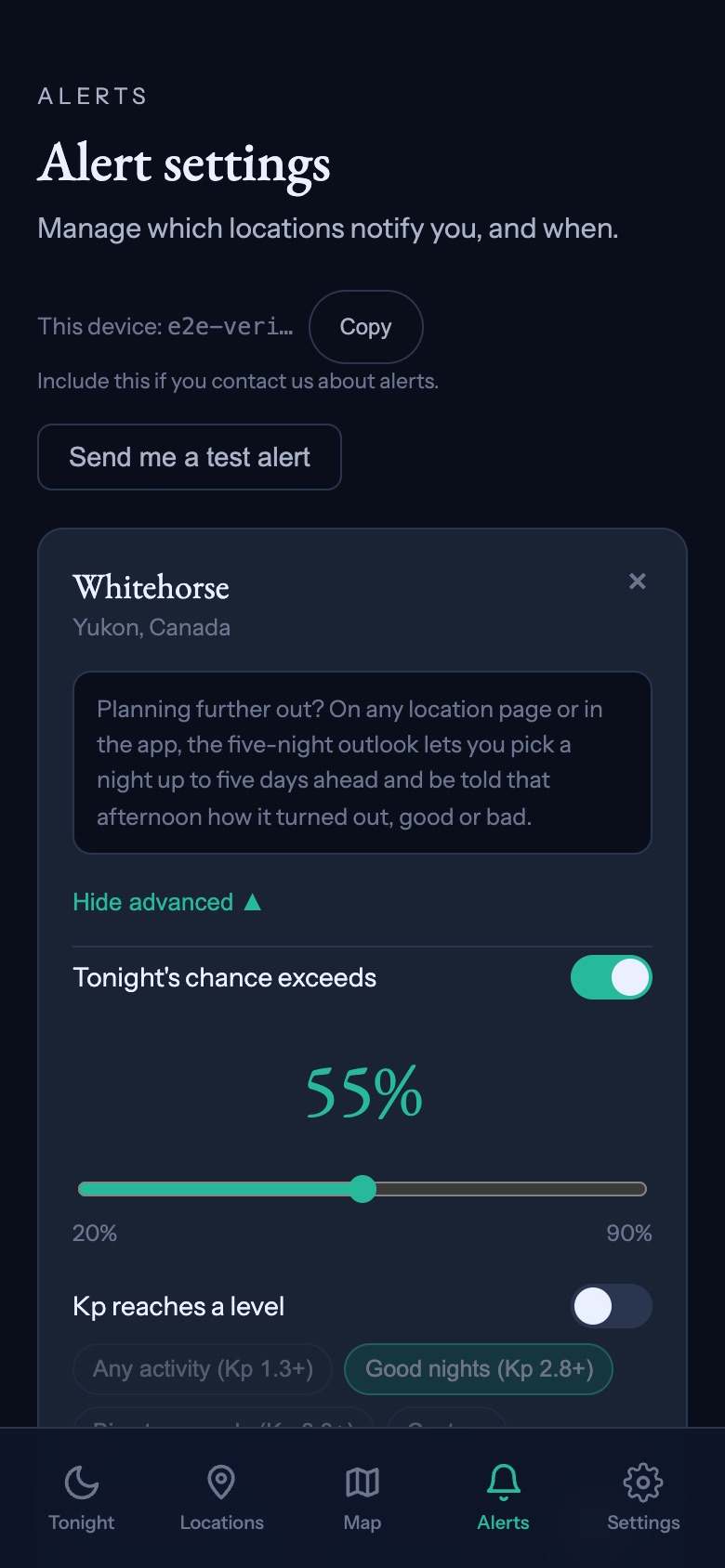
| Tonight's chance exceeds | The chance passes your number, anywhere from 20% to 90%. |
| Kp reaches a level | Kp reaches Any activity, Good nights or Big storms only, each set for that location's magnetic latitude, or a Kp you choose. |
| Bz turns south | The solar wind's Bz has held below -5 nT for 15 minutes or more. An early sign that activity may build, not a promise. |
| My sky clears | Cloud was the only thing in the way, and it drops below 35% while it is dark. |
Choosing your number
55% means the best hour tonight is more likely than not to show you the aurora. Lower it if you would rather hear about more nights and decide for yourself. Raise it if going out means a long drive in the cold.
How often you hear from us
Usually one alert per location per night, for the first alert type that fires. If the night then gets clearly stronger, you get one more: when Kp reaches that place's Big storms only level, or, with Pro, when tonight's chance moves up a band, from Possible to Good or Good to Excellent. Never more than three a night for one place. Changes save as you make them. Tapping a notification opens the forecast for that place.
If the live Kp feed from NOAA is down, we send nothing until it is back. An alert that rests on a guess is worse than none.
Not getting alerts?
- Tap Send me a test alert on the Alerts tab. If it doesn't arrive, check that notifications for the app are allowed in your phone's settings.
- On iPhone, open the app from its Home Screen icon. Notifications don't work from Safari.
- Check that Do Not Disturb or a Focus mode isn't holding notifications back.
- Alerts only fire while it is dark at the location you watch, so nothing comes in daylight.
- If your number is high, quieter nights won't reach it. Lower it and see.
- Still stuck? Go to Settings, then Report a problem. Include the device ID from the Alerts tab so we can find your alerts.